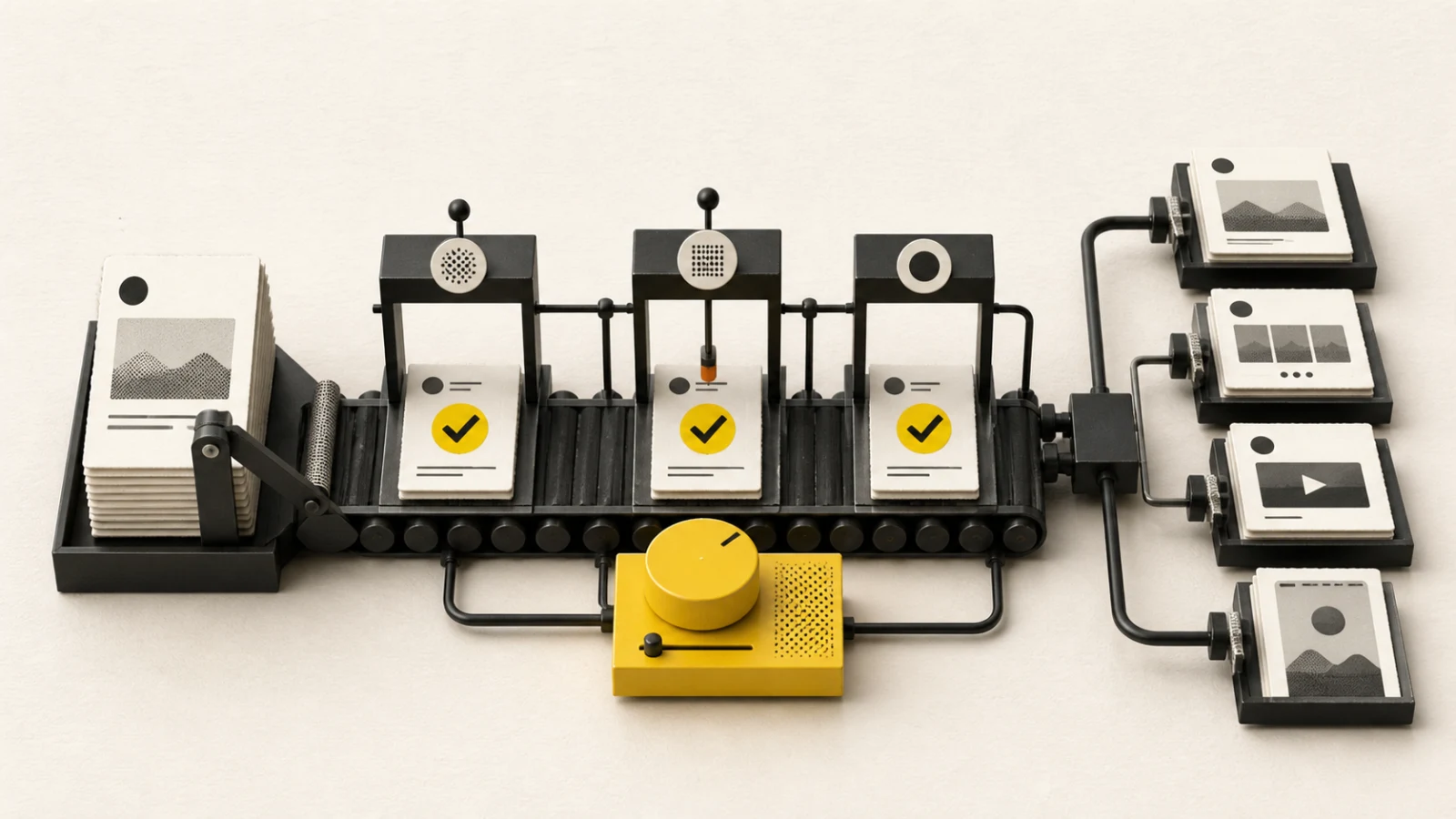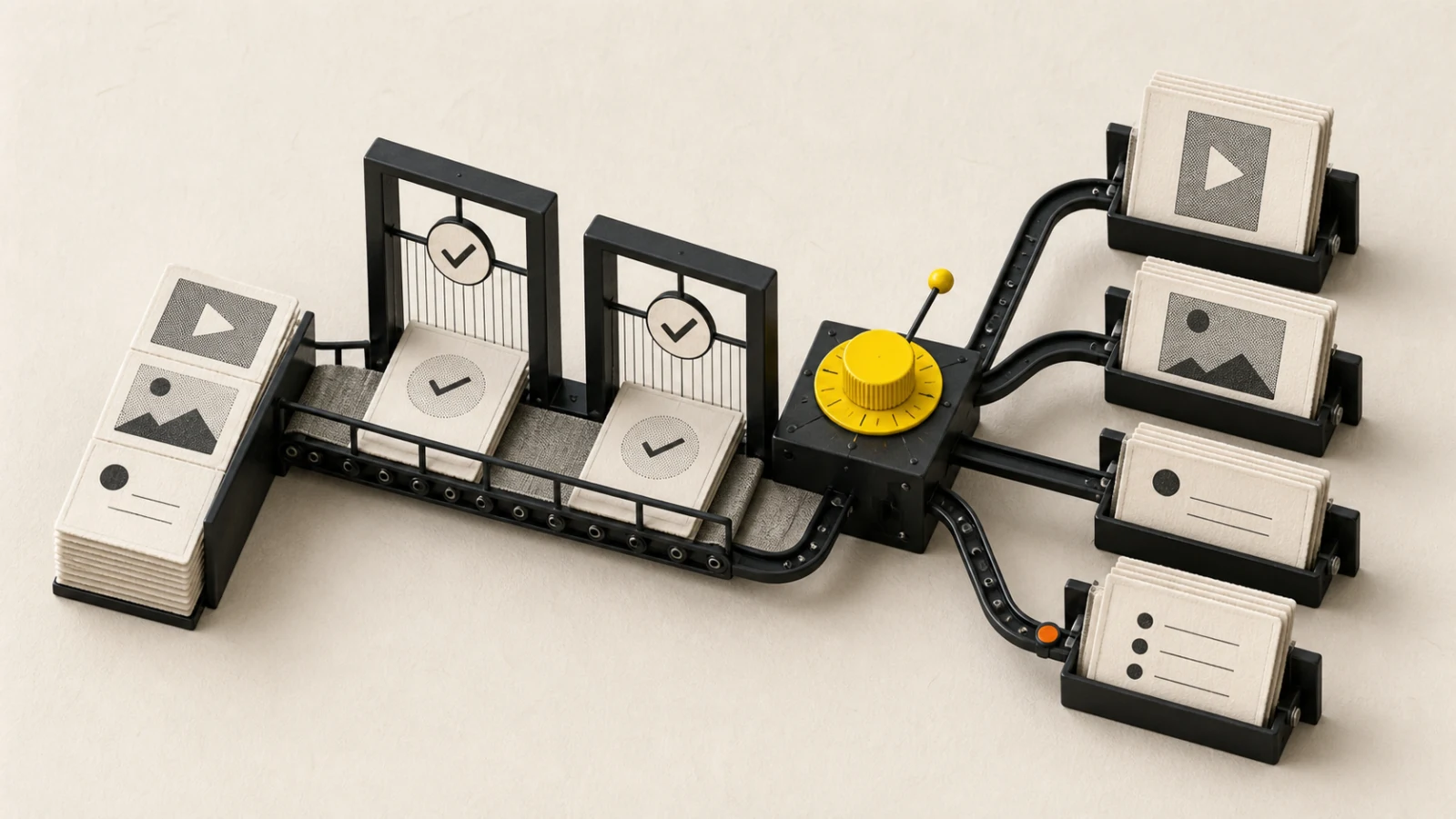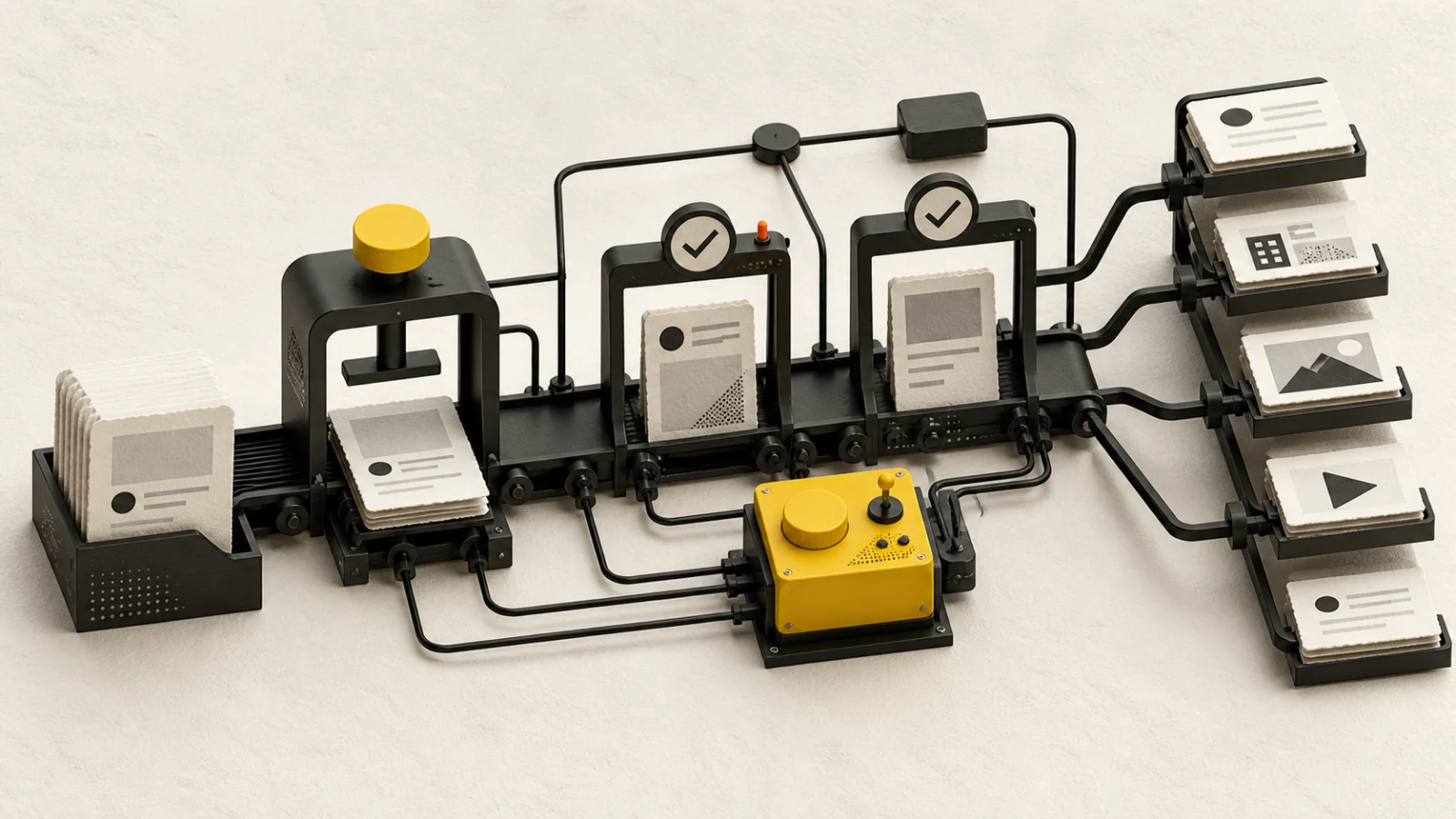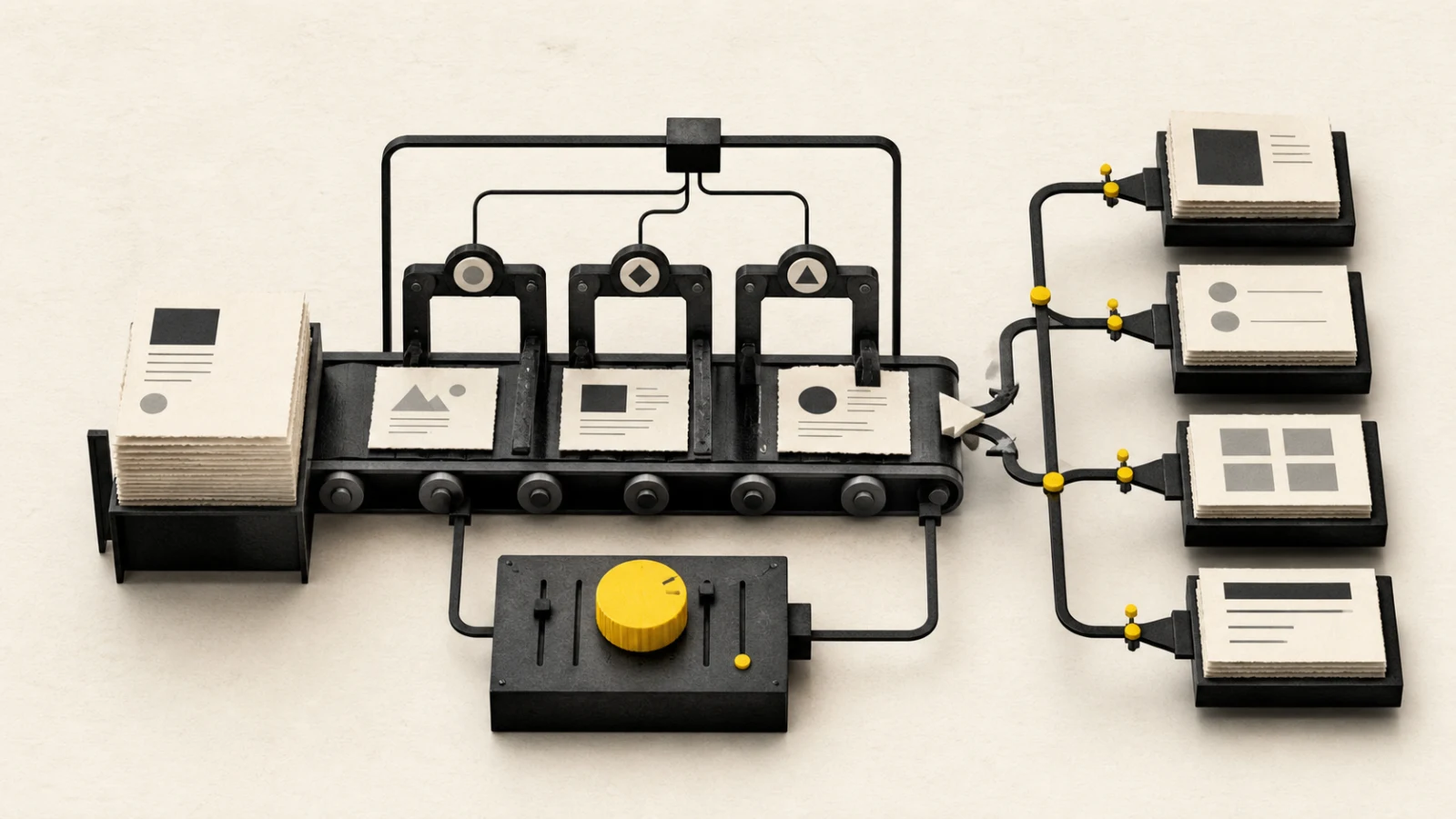
Telegram can act as a broadcast channel, a discussion group, or a forum with topics. The same message has different consequences in each destination, so identity, permissions, notification behavior, and thread placement belong in the brief.
Current BlendDuck publishing contract
BlendDuck publishes bot-authored posts to one selected Telegram channel or group. Text supports up to 4,096 Unicode characters. A post can include up to ten images or videos, including mixed-media albums.
Telegram media captions are limited to 1,024 characters. When a draft with media exceeds that threshold, BlendDuck warns that it will send the text before the media rather than treat all text as one album caption.
Per-channel controls include disabling the link preview, sending silently, protecting forwarding and saving, and placing the message in an optional numeric forum topic ID. Threads, hashtags, images, and video are supported.
Choose destination and message structure
A broadcast channel is appropriate for announcements and recurring editorial updates. A group expects interaction and response ownership. A forum topic needs the correct numeric topic identity so the post appears in the intended conversation.
Decide whether the message should be one text block, a text message followed by media, or a compact media album caption. Put urgent context and the primary action where it remains visible even if the media loads later.
For a ten-item album, define order and role for every item. Mixed media should form one sequence, with consistent crop, captions, audio, rights, and accessibility consideration.
Use notifications, previews, and protection deliberately
Silent delivery reduces push interruption but may also reduce immediate attention. Use it for routine or off-hours updates according to community expectations, not as an automatic default.
Link previews can provide useful context or create an unintended visual. Test the destination URL, preview title, image, redirects, and tracking. Disable the preview when it conflicts with the message or exposes outdated metadata.
Protected content can reduce forwarding and saving, but it does not replace confidentiality controls or recipient trust. Do not publish sensitive information merely because protection is enabled.
Approval, publishing, and recovery
Approval should bind the exact bot identity, channel or group, forum topic, text, media order, notification, preview and protection settings, sources, rights, and schedule. A numeric topic ID should be checked against the visible topic name.
After sending, verify the visible destination, message order, album structure, preview, notification intent, protected-content behavior, and provider message identity. Preserve accepted, live, failed, and unknown states separately.
If text and media are split, verify both parts and their order before marking the post complete. Check provider evidence before retrying an unknown result.
Measure broadcast and community outcomes
Select metrics based on the destination: views and link actions for a channel, useful replies and resolution for a group, or topic participation for a forum. Include unsubscribe, mute, moderation, and response load when relevant.
Record destination type, send mode, content structure, result, community feedback, and next action. Compare similar destinations and notification conditions.
Telegram publishing checklist
- Bot identity and exact channel, group, or topic verified
- Text stays within 4,096 characters
- Media album contains no more than ten items
- Text above 1,024 characters has an intentional split plan
- Link preview, silent delivery, and protection settings reviewed
- Forum topic ID matches the intended visible topic
- Media order, rights, sources, and approved version checked
- All visible message parts and delivery identities verified
Current product limits were verified on 2026-08-23 against BlendDuck's Telegram platform contract. Bot permissions and destination configuration can change.