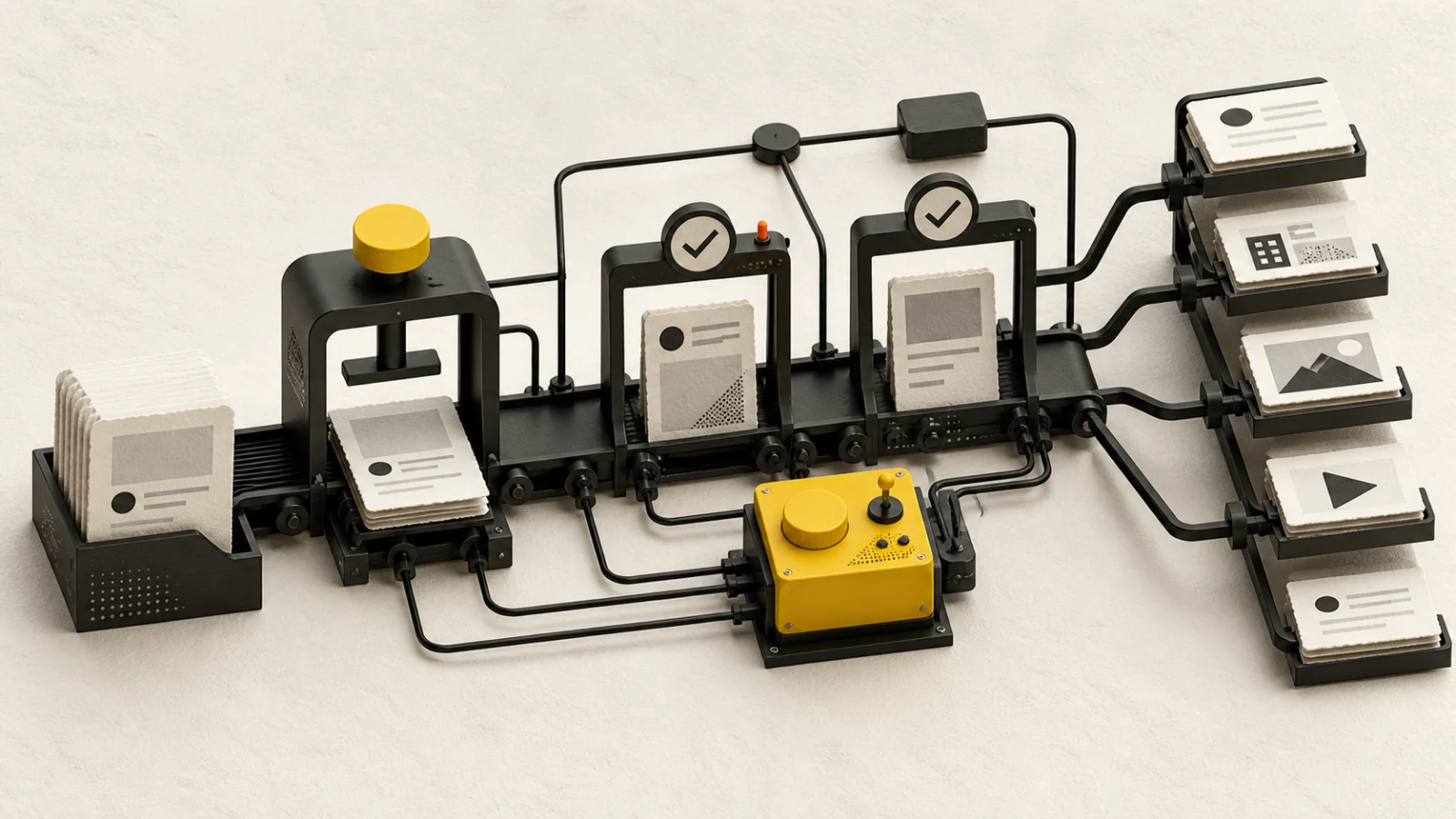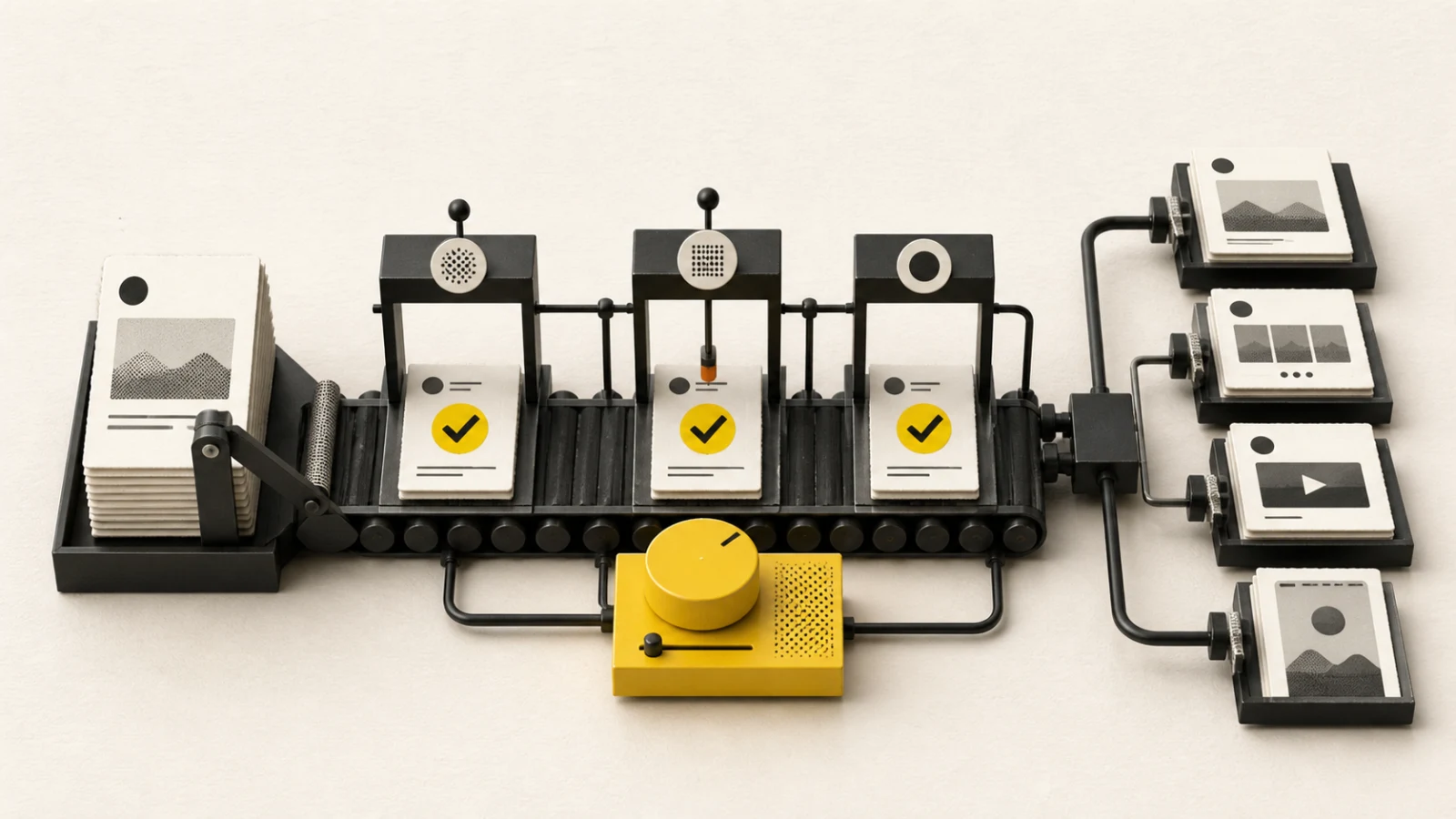
Instagram publishing becomes fragile when the team treats every post as the same object. A carousel, Reel, Story, Trial Reel, and single-image post have different media rules, review questions, and failure modes. Plan the format first, then build the copy, assets, approval, and schedule around it.
Short answer
Connect an Instagram professional account, select the final publishing identity, prepare one Reel or Story or a 2–10 item carousel, keep the caption within 2,200 characters, and complete rights, accessibility, account, and approval checks before scheduling.
Current BlendDuck format support
| Format | Current requirement |
|---|---|
| Single-image post | One image with optional caption; eligible for people tags. |
| Carousel | 2–10 images or videos; mixed media is supported. |
| Reel | One video, up to 180 seconds. |
| Story | Exactly one image or video; Story video must be 60 seconds or shorter. |
| Trial Reel | Exactly one video; choose manual or performance-based graduation. |
Instagram requires media. Text-only publishing is not supported. A post can contain up to 10 media items in total, but a Story always contains one.
People tags are available only for an automatically published single-image post. Use no more than 20 valid usernames and confirm permission before tagging a person.
Build the post around one job
Write one sentence that describes what the post should make the audience notice, understand, feel, or do. Use that sentence to decide the format:
- choose a single image for one clear announcement or visual;
- choose a carousel when the idea needs ordered explanation;
- choose a Reel when motion, demonstration, performance, or pacing carries the meaning;
- choose a Story for timely, lightweight, or sequential communication;
- choose a Trial Reel when the team wants to test with non-followers first.
Do not use a carousel merely to fit more copy. Each frame should advance the idea and still make sense at the intended mobile size.
Prepare caption and media together
The caption and media should divide the work. Avoid repeating every on-screen word in the caption. Put necessary context, attribution, qualification, and the next action where the audience can find it.
Before review, confirm:
- the opening frame or first seconds communicate the subject;
- text remains readable on a small screen;
- subtitles or captions cover meaningful speech;
- contrast and pacing do not depend on perfect viewing conditions;
- alt text or an equivalent accessible description is prepared where the workflow supports it;
- music, footage, trademarks, customer material, and people appearances have the required rights;
- claims link back to an approved source.
Use channel-specific approval
An approval should bind to the Instagram account, format, caption, media order, people tags, disclosure choices, and scheduled window. If any of those materially change, send the new version back for review.
Use a low-risk path for routine evergreen posts and a stronger review path for regulated claims, promotions, customer stories, licensed media, executive statements, or content involving minors. The approval workflow template provides a reusable structure.
Preflight before scheduling
- Confirm the professional account and displayed publishing identity.
- Confirm the chosen post type matches the attached media.
- Check media count, order, duration, crop, audio, and text-safe areas.
- Read the caption once in the final mobile-friendly layout.
- Validate links, mentions, people tags, hashtags, dates, and time-sensitive claims.
- Record rights and source evidence.
- Confirm the approved version is still the scheduled version.
- Verify the timezone and campaign dependencies.
Publishing states and recovery
Upload acceptance is not the same as a verified live post. Reels can remain in processing while Instagram finishes the media. Keep scheduled, publishing, processing, published, failed, and unknown states distinct.
When a post appears stuck, check the provider status and failure reason before retrying. Blind retries can create duplicates. If the publishing identity or authorization changed, reconnect the same account and review the queued version before another attempt.
After publishing
Verify the live destination, caption, media order, crop, audio, tags, and disclosure. Save the public URL. Collect results only after the platform has had time to process them, and preserve the reporting window and metric definition.
Compare like with like: Reels with Reels, carousels with carousels, and posts with similar objectives and audience conditions. Use external timing studies as hypotheses, then build your own baseline with the 2026 operations benchmark framework.
Instagram publishing checklist
- Professional account and publishing identity verified
- Format and media count valid
- Caption within 2,200 characters
- Reel at or below 180 seconds; Story video at or below 60 seconds
- Carousel contains 2–10 items
- People tags limited to an eligible single-image post
- Rights, sources, accessibility, and disclosures reviewed
- Approved version matches scheduled version
- Timezone and campaign dependencies checked
- Live post and final delivery state verified
Current product limits were verified on 2026-08-23 against BlendDuck's Instagram platform contract. Platform policies and account-level availability can change, so confirm sensitive requirements in Instagram's current official documentation before launch.