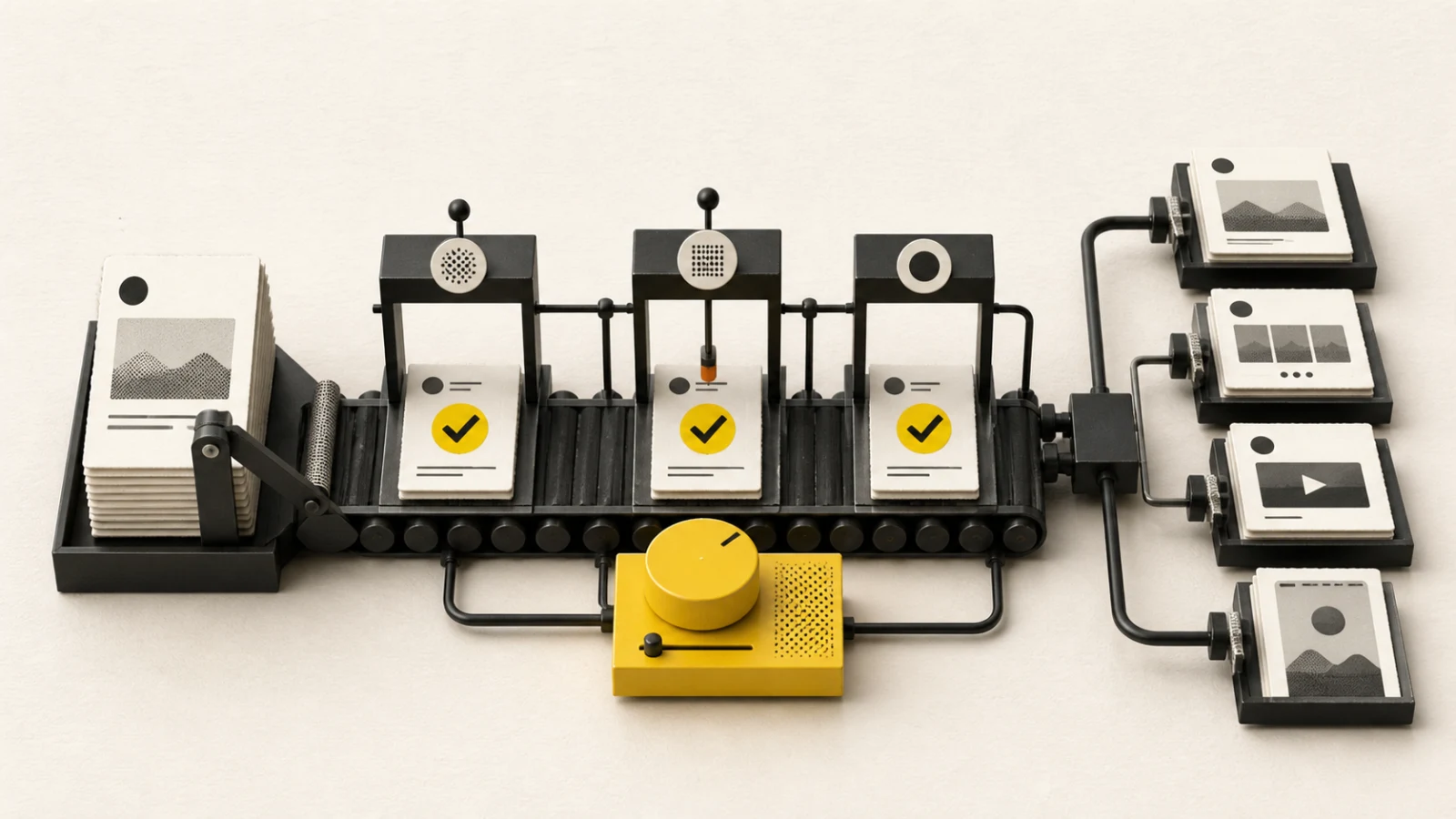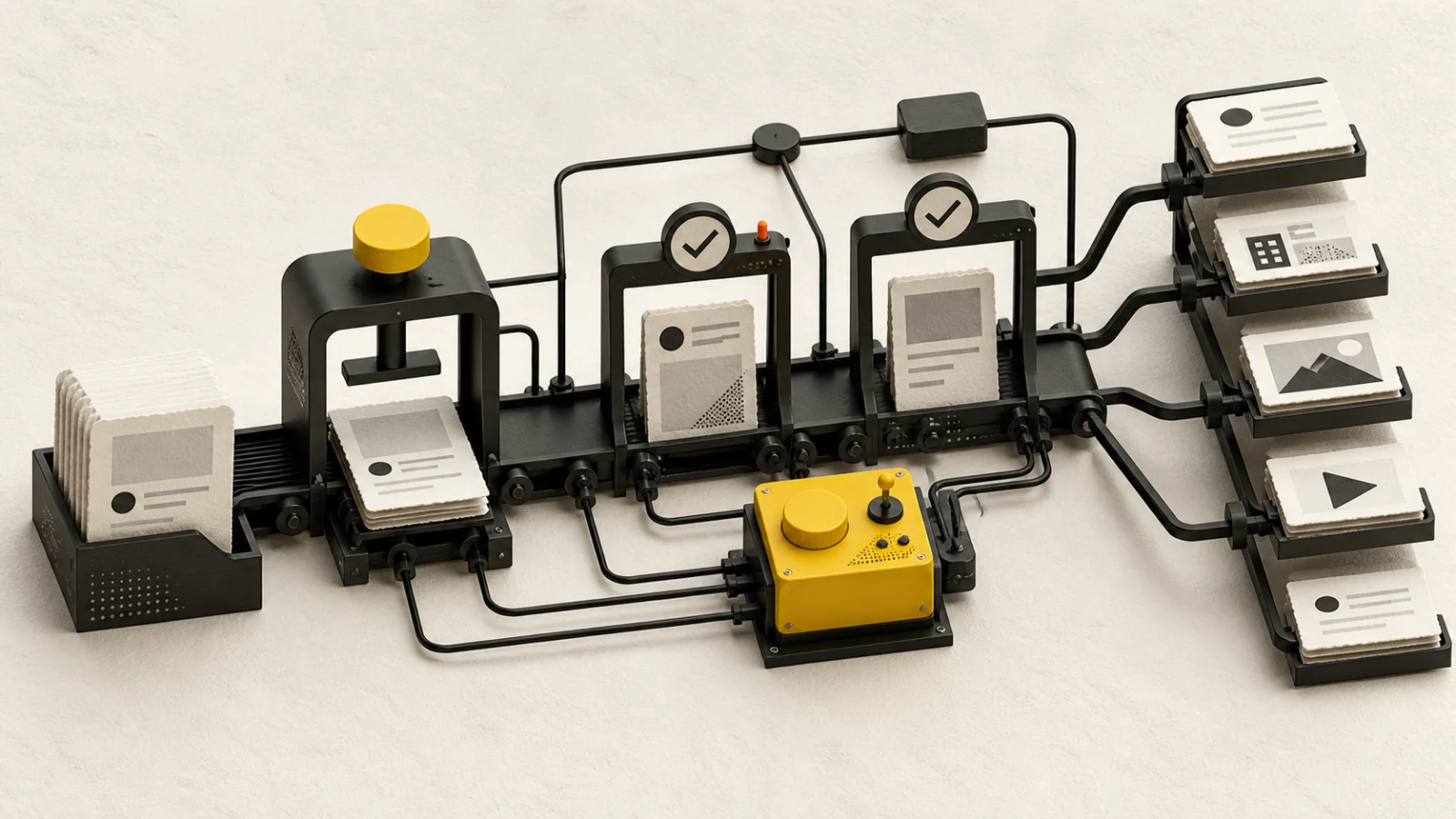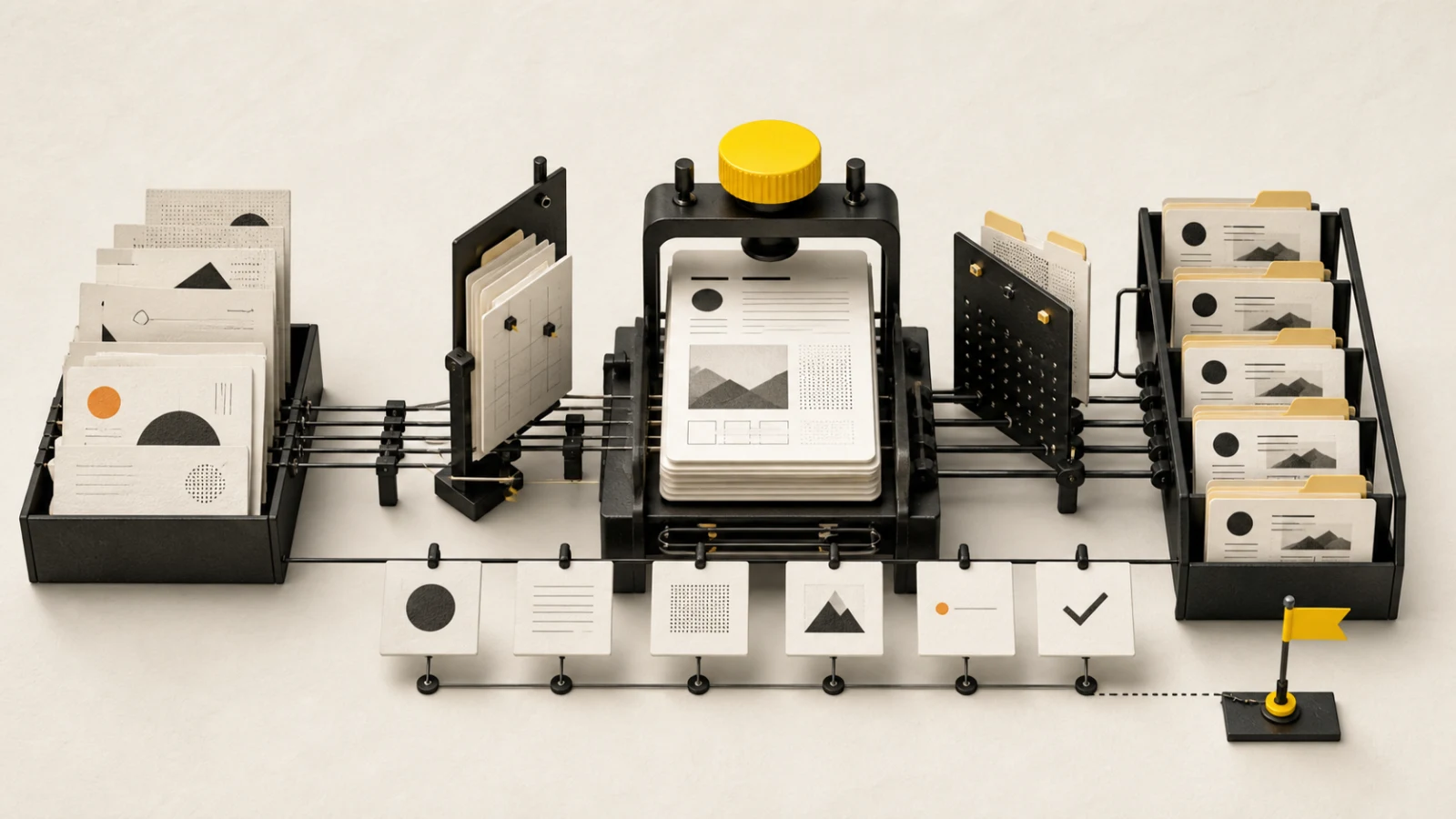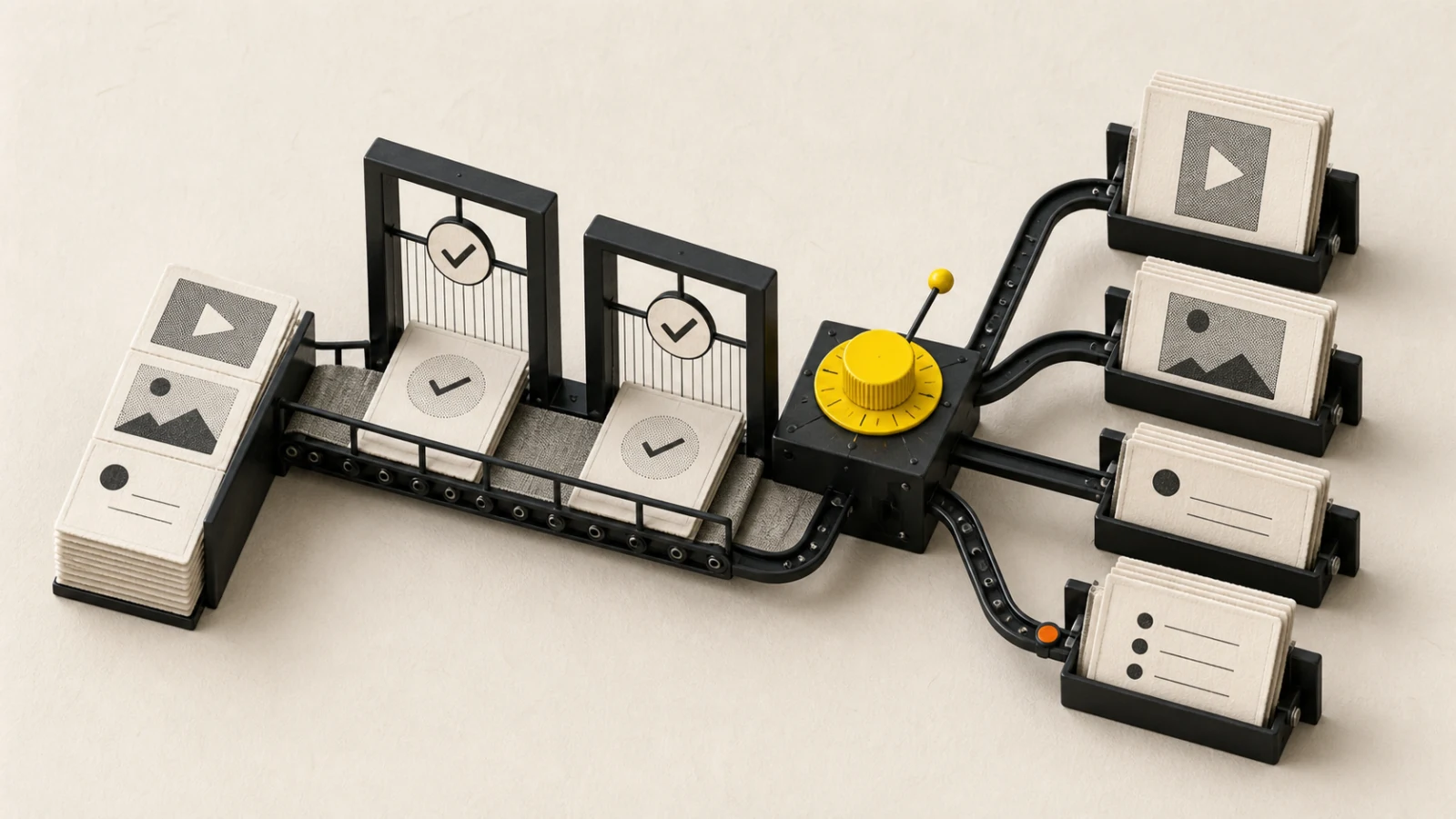
TikTok content moves quickly, but a reliable publishing workflow should slow down at the decisions that are hard to reverse: account identity, media format, privacy, interaction controls, commercial disclosure, AI disclosure, music rights, and final consent.
Short answer
Choose either one video or a 1–35 photo post, prepare the correct caption and photo title, load the creator-specific options, complete commercial and AI disclosures, record publishing consent, and verify the live result before marking delivery complete.
Current BlendDuck format support
| Format | Current requirement |
|---|---|
| Video | Exactly one MP4, MOV, or WebM file; caption up to 2,200 characters. |
| Photo post | 1–35 JPEG or WebP images; description up to 4,000 characters and title up to 90 characters. |
Video and photos cannot be mixed in one TikTok post. Each photo can be up to 20 MB. A video can be up to 4 GB, and both width and height must be between 360 and 4,096 pixels in the current BlendDuck preflight.
Creator accounts can expose different privacy, interaction, and duration options. Treat the values returned for the connected creator as authoritative instead of assuming every account has the same choices.
Design for the first decision
Define what should happen in the first seconds or first photo:
- establish the situation;
- reveal a tension or useful promise;
- show the result before explaining the method;
- give the viewer a reason to continue without misleading them.
Build the rest of the sequence around one idea. Use on-screen text for essential comprehension, captions for speech, and the post description for context, attribution, qualifications, and a realistic next action.
Set privacy and interactions intentionally
Before approval, select a privacy level that the connected creator actually supports. Decide whether comments, Duet, and Stitch should be enabled. Those are editorial and moderation decisions, not last-minute technical toggles.
If the post may trigger a large or sensitive response, define who will monitor comments, what should be answered, what should be escalated, and when the team will stop engaging.
Complete disclosures before approval
Mark AI-generated video when the content requires it. If the post promotes a brand, product, or service, enable commercial content disclosure and state whether it promotes your own business, a third party, or both.
Third-party branded content cannot use Only me visibility in the current validation flow. Publishing also requires explicit consent to TikTok's music-use confirmation and, when applicable, its branded-content policy.
Disclosure is part of the approved content version. Do not add, remove, or change it after review without revalidating the approval.
Rights and safety review
Confirm the team can use every piece of music, footage, image, voice, logo, customer quote, and likeness. Check whether the content makes regulated, comparative, health, financial, or performance claims. Keep source evidence with the content record rather than in a private chat.
For trends, preserve the brand decision behind the adaptation. A recognizable format does not automatically grant permission to reuse another creator's recording, edit, or identity.
Preflight before scheduling
- Verify the creator account and intended audience.
- Choose video or photo post; remove mixed media.
- Validate file type, count, dimensions, duration, size, and order.
- Confirm the caption or description and photo title.
- Reload creator-specific privacy and interaction options.
- Set comments, Duet, Stitch, and photo music choices intentionally.
- Complete commercial and AI disclosures.
- Confirm rights, moderation ownership, and publishing consent.
- Verify the approved version, timezone, and scheduled moment.
Use the content calendar template to keep the account, variant, approval deadline, schedule, delivery state, and reporting date in one operating record.
Publishing and recovery
Do not equate request acceptance with a verified public post. Preserve publishing, processing, published, failed, and unknown states. When a failure occurs, capture the provider response, determine whether the issue is media, authorization, creator settings, disclosure, or processing, then retry only when the first attempt is conclusively safe.
If a creator changes privacy or interaction defaults after a draft was prepared, reopen the settings before rescheduling. If disclosure or media changes, invalidate the prior approval.
After publishing
Open the live TikTok and verify crop, cover, sequence, audio, captions, description, visibility, interactions, and labels. Save the live URL and confirm who owns early moderation.
Evaluate retention, completion, interaction, profile action, and business outcome according to the post's objective. Avoid declaring a universal “best time” from one account-wide average; segment by format, audience, subject, and campaign maturity.
TikTok publishing checklist
- Correct creator account verified
- One video or 1–35 photos, with no mixed media
- Supported files, sizes, and dimensions confirmed
- Caption/description and photo title within current limits
- Privacy, comments, Duet, Stitch, and music settings reviewed
- Commercial and AI disclosures completed
- Music, footage, likeness, and claim rights documented
- Publishing consent recorded
- Approved version matches scheduled version
- Live post, labels, and delivery state verified
Current product limits were verified on 2026-08-23 against BlendDuck's TikTok platform contract. TikTok policies and creator-specific choices can change; check current official policy for regulated or high-risk campaigns.