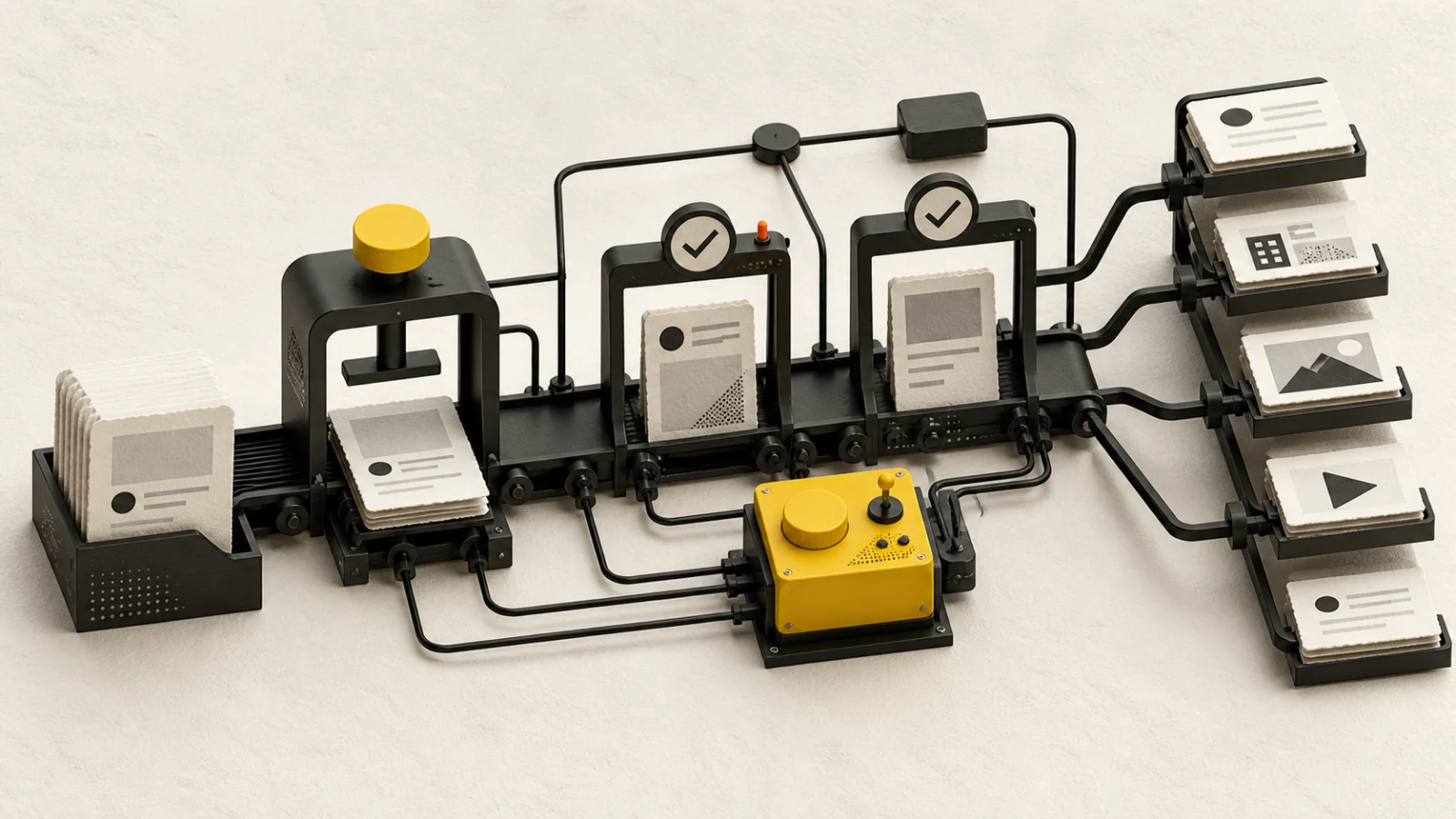
Instagram specifications are easiest to manage when the team separates three things: the production canvas, the publishing API contract, and the way the app may crop or display an asset in different surfaces. One “Instagram size” cannot represent all three.
Practical production canvases
Use these as dependable design starting points, not promises that every interface will display every pixel identically:
| Format | Working canvas | Operating note |
|---|---|---|
| Square feed image | 1080 × 1080 | Flexible for reuse, but offers less vertical feed space |
| Portrait feed image | 1080 × 1350 | Strong feed presence; keep key text away from edges |
| Landscape feed image | 1080 × 566 | Useful for wide scenes; inspect small-screen legibility |
| Reel | 1080 × 1920 | 9:16 master; protect text and faces from interface overlays |
| Story | 1080 × 1920 | 9:16 master; leave room for platform controls and replies |
For carousels, use one consistent canvas and safe-area system across every item. Design the first slide to establish the promise, the middle slides to develop it, and the last slide to close the idea. Test small text at actual phone size.
Current BlendDuck publishing contract
Instagram requires media. A standard post can contain one Reel or a carousel of two to ten images or videos, including mixed media. A Story contains one image or one video. Captions support up to 2,200 Unicode characters.
In the current contract, Reel video is limited to 180 seconds and Story video to 60 seconds. Trial Reels require exactly one video and can use manual or performance-based graduation behavior where the connected account is eligible.
People tags are available only for an eligible automatically published single-image post. A post can carry at most twenty valid Instagram usernames as people tags. They are not supported on a carousel, Reel, or Story through the current workflow.
Build a reusable safe-area system
Create layout guides for headline, subtitle, logo, captions, product detail, and call to action. Keep essential content away from the outer edges and the lower or upper zones where interface controls may overlap. A safe-area system should survive feed display, profile previews, and full-screen viewing without requiring a different design file for every placement.
For video, review three frames deliberately: the opening, a representative middle frame, and the final frame. Check captions with sound off, audio with headphones and a phone speaker, and motion at normal playback speed. Export from a clean master rather than repeatedly transcoding a previous social export.
For a mixed-media carousel, normalize color, crop, visual density, and order. A vertical video followed by a dense landscape graphic may be technically valid but difficult to consume. The sequence should feel like one editorial object.
Caption, tagging, and disclosure checks
Write the caption for the role of the asset. A carousel caption can summarize the promise and add context; a Reel caption can supply sources or an action that does not fit the video. Put critical facts before decorative hashtags.
Verify handles, product claims, prices, dates, locations, accessibility, music and footage rights, customer consent, and AI or commercial disclosures. Confirm whether a trial Reel is appropriate and whether its graduation setting matches the campaign plan.
Bind approval to the copy, media order, crop, audio, tags, format, and settings. If one carousel item changes after approval, review the complete sequence again.
Preflight and live verification
Before scheduling, verify the professional account identity, format, media count, video duration, caption length, people-tag eligibility, timezone, and approved version. Treat scheduled, publishing, processing, live, failed, and unknown as different states.
After publication, inspect the live crop, order, captions, audio, tags, disclosure, and URL. Do not retry an unknown publish until the provider status is understood. Compare results by format and objective instead of combining Stories, Reels, images, and carousels into one undifferentiated benchmark.
Instagram specs checklist
- Production canvas matches the intended feed or full-screen format
- Essential text and faces remain inside a tested safe area
- Standard post has one Reel or a 2–10 item carousel
- Story has exactly one image or video
- Reel is no longer than 180 seconds; Story video no longer than 60
- Caption is within 2,200 characters
- People tags appear only on an eligible single-image post
- Live crop, order, audio, tags, and URL verified
Current product limits were verified on 2026-08-23 against BlendDuck's Instagram platform contract. Production canvases are workflow recommendations; Instagram display behavior and eligibility can change.