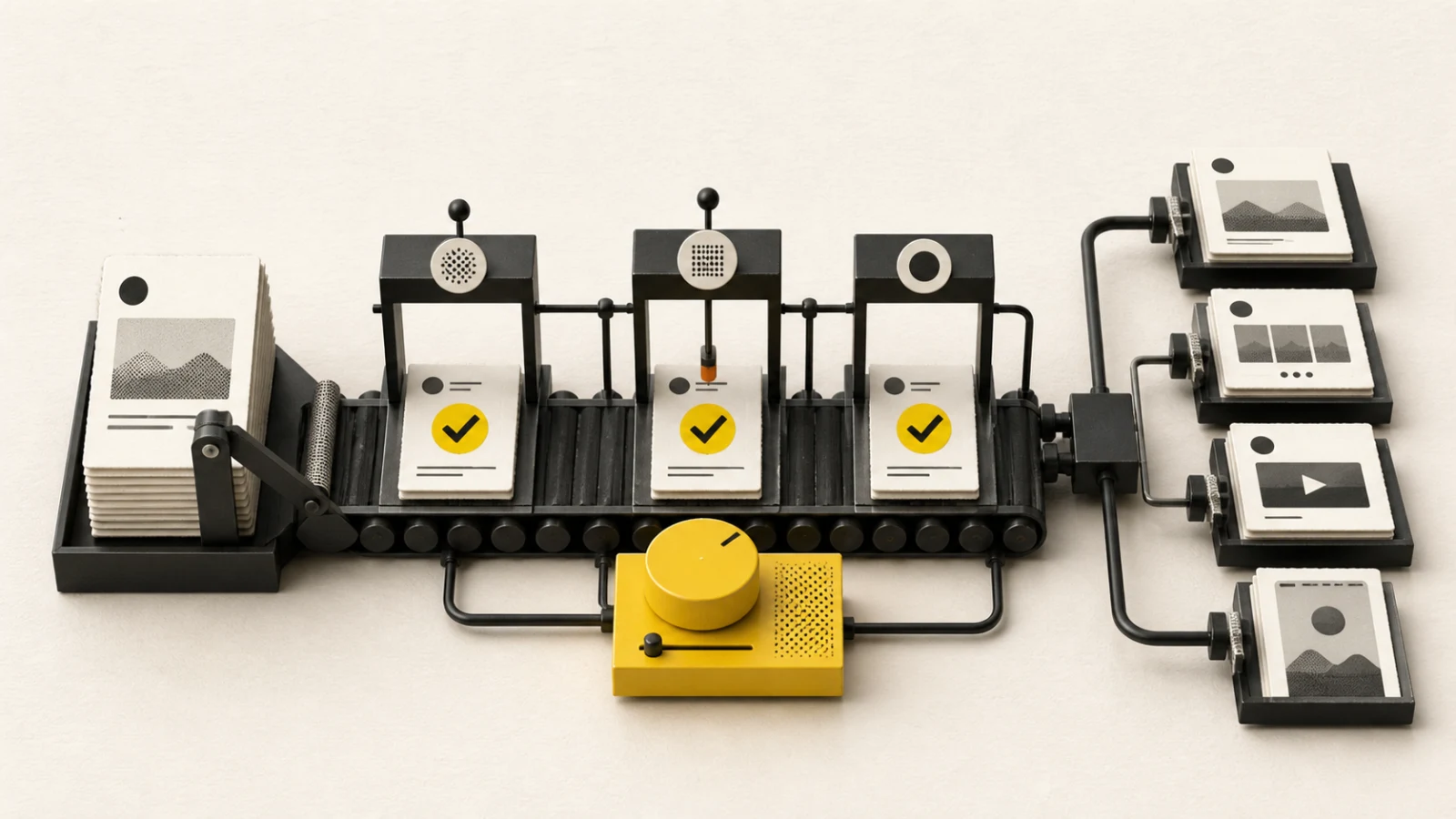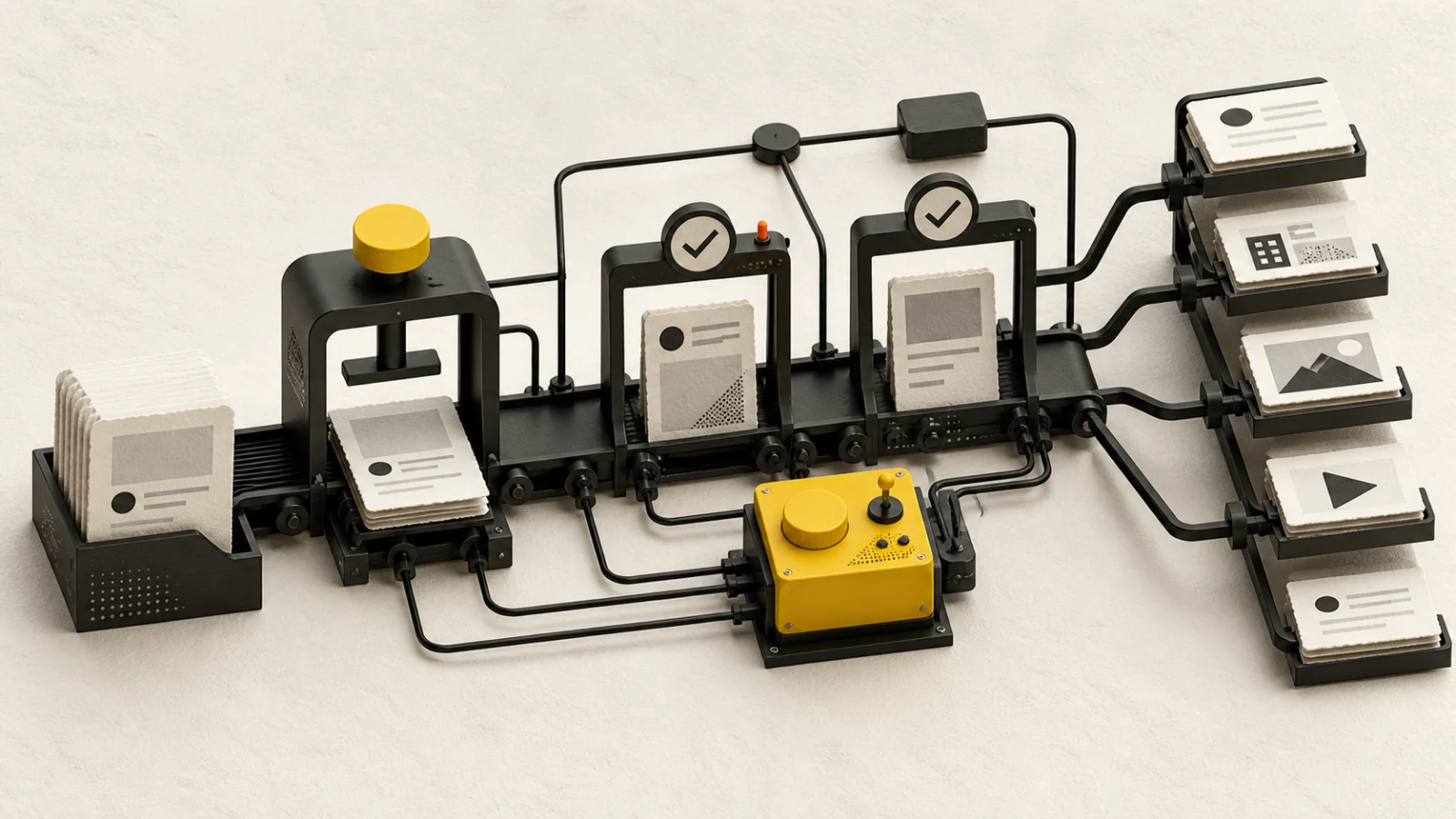
Google Business Profile posts are tied to a verified physical or service-area location. The post must reflect that location's actual availability, hours, offer, event, language, and destination rather than using one generic campaign row for every branch.
Current BlendDuck publishing contract
BlendDuck publishes an Update, Event, or Offer to one verified Business Profile location. BlendDuck applies a 1,500-Unicode-character safety ceiling; Google's current Local Post reference does not publish an exact summary limit or counting method. A post can include no media or one public HTTPS JPEG or PNG photo. The v4 publishing contract is photo-only, so Local Post video is not offered.
Every post records a language code. Standard Updates can use no button or Book, Order online, Shop, Learn more, Sign up, or Call. Actions other than Call require a valid destination URL.
Events and Offers require an event title, local start date or time, and local end date or time. An end cannot precede the start. Offers may also include a coupon code, redemption URL, and terms. Google may reject phone numbers in post text; use the Call action when appropriate.
Choose Update, Event, or Offer
Use an Update for durable location news, service changes, new products, or useful local context. Use an Event when attendance or a time-bounded activity is central. Use an Offer when the customer receives a defined promotional benefit with dates and terms.
Do not turn a general announcement into an Event merely to gain extra fields. The topic type should describe the real customer proposition. For multi-location campaigns, create a separate destination record for each location whose dates, inventory, hours, URL, or legal terms differ.
Write the language code and copy for the actual local audience. Confirm local spelling, address context, currency, timezone, holiday, and accessibility details.
Build accurate action and offer data
The call to action should lead directly to the promised task. Test booking, ordering, shopping, learning, or sign-up pages on mobile and preserve tracking without breaking redirects. Use Call rather than embedding a phone number in post text when that is the intended action.
For Events and Offers, use the location's local time. Verify start and end, including all-day interpretation. State coupon eligibility, exclusions, redemption method, inventory or capacity limits, and terms clearly enough for staff and customers to apply consistently.
If the destination page, inventory, price, hours, or terms change after approval, revalidate the post. An accurate creative with an outdated offer record is still a publishing failure.
Media, approval, and verification
Use one relevant photo when it improves recognition or explanation. BlendDuck accepts JPEG or PNG, enforces the documented 10 KiB and 250 × 250 minima, and applies a conservative 5 MiB product ceiling. Google does not publish a Local Post media-count maximum or complete MIME/maximum-size/processing matrix, so these are explicit BlendDuck implementation boundaries. Verify rights, people consent, location details, text legibility, crop, and whether the asset still reflects the current offer.
Approval should bind the verified location, topic type, language, text, media, CTA, URL, dates, coupon, redemption page, terms, timezone, and owner. Store the location identity, not only its display name.
After publishing, inspect the live location listing and public post. Check button behavior, media, dates, language, offer terms, and destination. Save the provider identity and investigate unknown states before retrying.
Measure local outcomes
Choose outcomes that reflect the action: bookings, orders, redemptions, calls, direction or website actions, event attendance, or qualified local visits where measurement is available. Keep definitions and observation windows consistent.
Segment by location and topic type. Record local conditions, availability changes, customer questions, staff feedback, outcome, and next action. Do not let a high-volume location hide failures elsewhere.
Google Business Profile checklist
- Correct verified location and language code confirmed
- Topic type accurately represents an Update, Event, or Offer
- Text is within 1,500 characters and avoids phone-number policy risk
- CTA and required destination URL work on mobile
- Event or Offer title, local dates, and range are valid
- Coupon, redemption method, exclusions, and terms are accurate
- Media format, rights, location facts, and approved version checked
- Live location post, action, dates, URL, and provider identity verified
Current product limits were verified on 2026-08-27 against the official Google Business Profile v4 Local Post contract. Google eligibility, undocumented runtime media behavior, and local-content policies can change.