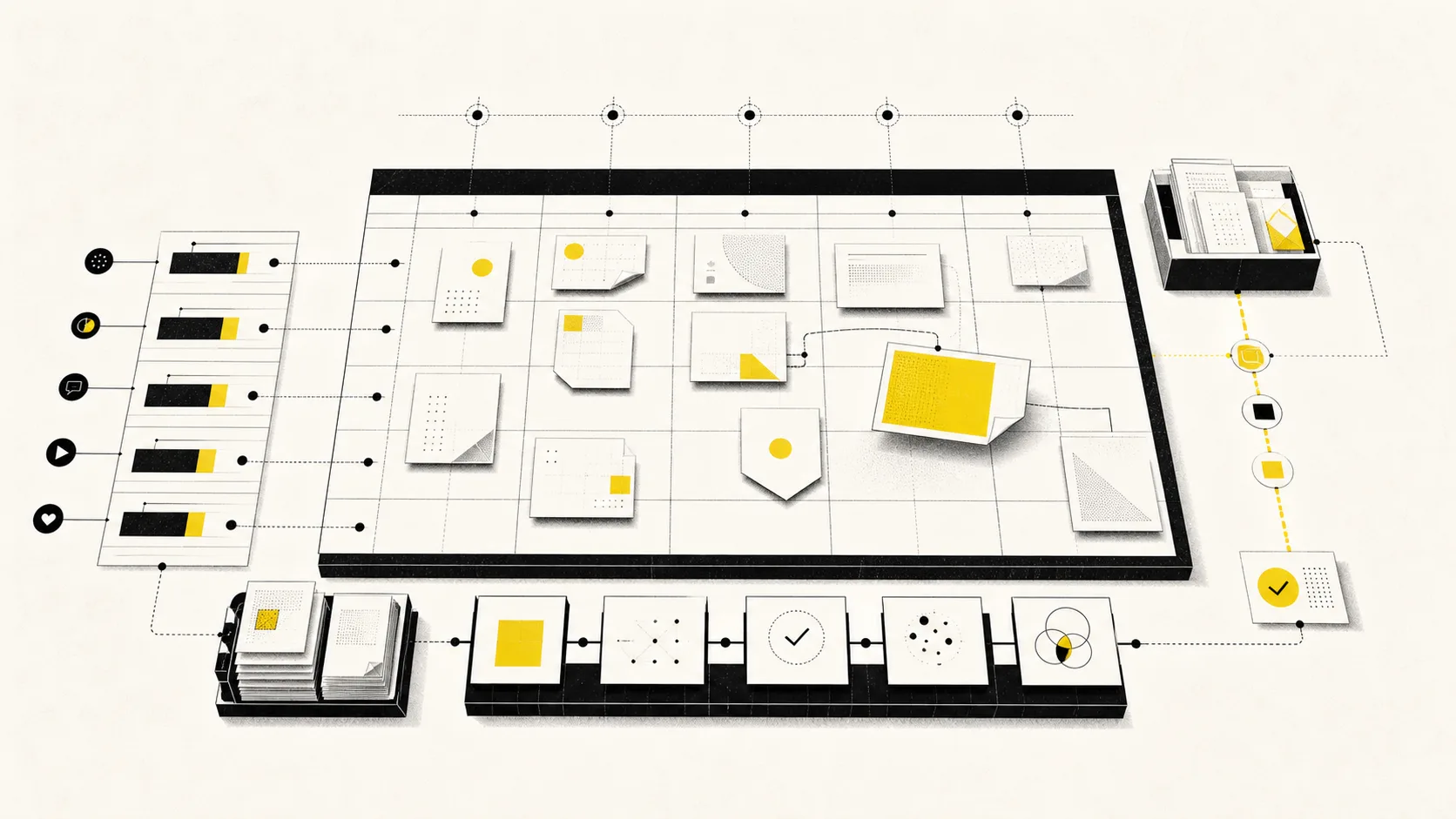
Most social media calendars fail quietly. The template looks impressive, the first two weeks are carefully color-coded, and then the real work escapes into chat threads, documents, design tools, and native schedulers. By the end of the month, the calendar describes what the team hoped to publish—not what is ready, approved, or live.
A useful content calendar is not a decorative schedule. It is a decision surface. It should tell the team what the audience needs, what the business is trying to accomplish, what is ready, what is blocked, and where the content mix is drifting.
The short version
Build the calendar in this order:
- Define goals, audience moments, content pillars, and channel roles.
- Set a sustainable cadence from production capacity.
- Create a small set of required fields.
- Plan campaigns and anchor ideas before individual posts.
- Add platform-native variants and dependencies.
- Reserve time for review, correction, and timely work.
- Connect scheduled posts to actual publishing status and learning.
Plan two weeks in useful detail and four to six weeks at campaign level. Beyond that, keep the calendar directional unless the dates are genuinely fixed.
Decide what the calendar is for
One calendar cannot optimize every kind of work equally. Start by naming its main job.
For a solo creator, the calendar may protect a consistent publishing habit and keep an idea backlog from becoming overwhelming. For an in-house team, it may coordinate product launches, subject-matter experts, design, and brand review. For an agency, it may separate clients, expose approval risk, and prevent the wrong post from reaching the wrong account.
Write one sentence at the top of the operating guide:
This calendar helps [team] make [decision] early enough to achieve [outcome].
Examples:
- “This calendar helps our two-person team choose the next week’s highest-value work before production starts.”
- “This calendar helps regional reviewers approve launch content at least three business days before publication.”
- “This calendar helps the agency balance campaign, educational, community, and promotional content across every client.”
That sentence tells you which fields matter and which are clutter.
Set the strategic inputs before choosing dates
Do not begin with empty boxes for Monday through Sunday. Begin with the choices that should shape those boxes.
One primary audience per content stream
Broad audience labels produce broad content. Define the person and the moment: a social manager trying to recover a failed post, a founder choosing a manageable channel mix, or a brand lead building an approval process before a launch.
Three to five content pillars
Pillars are recurring territories where audience need and brand credibility overlap. They should be broad enough to support many angles but specific enough to reject irrelevant ideas. A social operations product might use strategy, workflow, channel execution, measurement, and AI-assisted operations.
A job for each channel
Specify why each channel exists in the plan. “We have an account” is not a role. A channel may be used for discovery, education, proof, conversation, retention, or support. The same campaign can appear across channels without every destination receiving the same asset.
A measurable outcome
Choose the business or audience behavior the content should influence: qualified conversations, product education, community participation, newsletter subscriptions, trial activation, or customer confidence. Match metrics to that outcome later.
If these inputs are missing, use the social media operating system guide before filling the calendar.
Calculate cadence from capacity
Start with the work, not a benchmark someone else published.
List the recurring steps for each format: research, briefing, writing, recording, design, editing, review, adaptation, scheduling, and response. Estimate the weekly capacity of the bottleneck role. Then build a mix that fits.
Imagine a team has 24 production hours per week after meetings and community work:
| Content type | Units | Average production time | Weekly load |
|---|---|---|---|
| Original educational post | 2 | 3 hours | 6 hours |
| Short video | 2 | 4 hours | 8 hours |
| Adapted channel variant | 4 | 1 hour | 4 hours |
| Community or reactive post | 2 | 1 hour | 2 hours |
| Review and scheduling buffer | — | — | 4 hours |
That is a credible ten-piece week. Adding five more “quick posts” would consume the buffer and make every unexpected request a crisis.
Keep 15 to 25 percent of capacity uncommitted. The exact percentage matters less than admitting that review delays, provider issues, and timely opportunities exist.
Use fields that change a decision
Every required field should help someone create, review, schedule, or learn from the post. A strong default schema includes:
- Working title: a recognizable label, not final copy.
- Audience and moment: who this is for and why now.
- Content pillar: the strategic territory.
- Campaign or objective: what larger effort it supports.
- Owner: the person accountable for the next step.
- State: idea, briefed, creating, reviewing, approved, scheduled, published, failed, or reviewed.
- Channels and formats: the required destinations and native forms.
- Publish window: fixed date, preferred window, or flexible queue.
- Dependencies: asset, subject expert, landing page, rights, translation, or approval.
- Success signal: the metric or qualitative evidence that would matter.
Optional fields can include paid support, tracking parameters, localization, content rights, risk level, or campaign cost. Do not require them for work that does not use them.
Plan in layers instead of isolated posts
The fastest route to a repetitive calendar is brainstorming thirty disconnected captions. Work from larger units.
Layer 1: business and audience moments
Add launches, events, seasonal needs, known customer questions, community rituals, and reporting dates. Mark which are fixed and which are optional.
Layer 2: campaign or anchor ideas
Choose a small number of ideas worth developing deeply. An original guide, product demonstration, customer workflow, webinar, or research finding can become an anchor.
Layer 3: distribution sequence
Plan how the idea unfolds. A useful sequence may include:
- a problem-led teaser,
- the primary educational asset,
- a channel-specific example,
- a behind-the-scenes or proof post,
- a response to a real audience question,
- a later recap or evergreen adaptation.
Layer 4: channel variants
Now define the actual posts. Each should preserve the core idea while matching the destination’s audience expectation, format, and interaction pattern.
This approach gives the calendar a narrative shape. It also makes content repurposing part of planning rather than a rescue tactic when ideas run out.
Use three planning horizons
Different distances require different levels of certainty.
Six weeks: direction
Track major campaigns, launches, themes, resource needs, and fixed dates. Do not write finished captions for a world that may change.
Two weeks: commitment
Confirm owners, briefs, formats, dependencies, review dates, and expected publish windows. This is where the team should be able to promise the work.
Two days: readiness
Verify the exact copy, media, destination account, accessibility details, link, approval, time zone, and monitoring owner. A post is not ready merely because its box appears on the calendar.
The rolling horizons keep strategy visible without pretending every future detail is known.
Make state visible at a glance
Dates answer “when.” States answer “whether.” Your calendar needs both.
Use a consistent visual language for workflow state, not just content pillar. For example:
- outline: idea or brief;
- neutral fill: in production;
- yellow: waiting for review;
- green: approved or scheduled;
- dark: confirmed published;
- red: failed or blocked.
Do not invent too many states. If two labels never lead to different next actions, combine them.
Avoid using color as the only signal; include readable state text for accessibility and for people viewing exports or notifications.
Separate fixed time from flexible cadence
Not every post needs an exact time during planning.
Use fixed scheduling for launches, events, embargoes, live coverage, and coordinated campaigns. Use preferred windows when audience behavior or team availability matters but a few hours of movement are acceptable. Use a queue for evergreen content that can occupy the next appropriate slot.
This distinction makes rescheduling safer. Moving an evergreen guide should not trigger the same escalation as moving a launch announcement.
When choosing times, treat generic “best time” research as a starting hypothesis. Your audience, format, time zone, and response capacity matter more. Publish when you can also monitor important replies.
Add approval time to the calendar
Teams often schedule the publish date but leave review as an invisible assumption. Put the decision date on the calendar.
Work backward:
- Publication: Thursday at 10:00.
- Final readiness check: Wednesday at 15:00.
- Required approval: Wednesday at 12:00.
- Internal editorial review: Tuesday at 16:00.
- Complete draft and media: Tuesday at 12:00.
Now the calendar exposes risk on Tuesday, not Thursday morning. For elevated or critical content, add an explicit fallback: move the date, publish a pre-approved alternative, or pause the campaign. Silence from an approver is not approval.
The approval workflow guide shows how to set risk-based routes without slowing routine work.
Audit the content mix before the week begins
Review the calendar as a portfolio. A post may be good on its own and still contribute to a weak week.
Check:
- Does one pillar dominate?
- Are we asking for action more often than we are creating value?
- Do formats vary enough to serve different consumption preferences?
- Are we overusing the same proof, hook, or customer story?
- Is each active channel performing its assigned role?
- Are launches crowded together while quieter weeks are empty?
- Is there room for community responses and timely work?
Use ratios as diagnostic tools, not laws. The right mix depends on the brand, audience, and business moment.
Connect planning to publishing evidence
The calendar should update when reality changes.
If a provider rejects media, the item should show failure—not remain green because the schedule was created successfully. If someone publishes natively from a phone, record the public link and owner. If a launch moves, the dependent variants should be visible before they publish with stale copy.
After publication, attach the provider identifier or permalink, initial status, and later performance observation. BlendDuck’s content calendar and publishing history are built to keep those states connected to the original workspace context.
Run a weekly calendar meeting in 30 minutes
A focused meeting can replace many status messages.
Minutes 0–5: exceptions. Address failed publishes, date changes, overdue approvals, and sensitive community moments.
Minutes 5–15: next week. Confirm objectives, content mix, capacity, owners, and dependencies. Remove work that no longer fits.
Minutes 15–23: following week. Approve anchor ideas and surface early production or review needs.
Minutes 23–28: learning. Share one meaningful performance or workflow observation and the decision it changes.
Minutes 28–30: commitments. Confirm each owner’s next action. Do not read every calendar entry aloud.
A copy-ready weekly calendar template
Use this minimal structure in your current tool:
| Publish window | Working title | Pillar | Objective | Channel / format | Owner | State | Review by | Success signal |
|---|---|---|---|---|---|---|---|---|
| Tue AM | The hidden cost of scattered feedback | Workflow | Product education | LinkedIn document | Mina | In review | Mon 14:00 | Qualified comments |
| Wed PM | Three checks before scheduling | Operations | Trust | Instagram carousel | Leo | Creating | Tue 16:00 | Saves and shares |
| Thu AM | Customer launch workflow | Proof | Consideration | Blog + LinkedIn | Mina | Briefed | Tue 12:00 | Article depth and demos |
| Flexible | Failed post recovery checklist | Reliability | Retention | X thread | Leo | Approved | — | Replies from practitioners |
Duplicate the structure, not the sample content. Your calendar should reflect your audience, constraints, and channel roles.
Frequently asked questions
How far ahead should a social media calendar be planned?
Plan campaigns and resource needs four to six weeks ahead, commit production details roughly two weeks ahead, and verify exact publishing details within two days. Fixed launches may need longer. Reactive brands may work on shorter horizons, but they still need clear ownership and readiness states.
Should every social post be on the calendar?
Every planned brand post should be visible, including native or community-led work. Real-time replies do not need individual calendar entries, but the team should define who owns them and how sensitive responses are escalated.
Is a spreadsheet enough?
A spreadsheet is enough for early planning when one person owns a few channels. It becomes fragile when media, variants, feedback, approval, scheduling, and provider status live in separate tools. Upgrade when the cost of reconstructing context exceeds the simplicity benefit.
What is the most important calendar field?
After the publish window, it is the combination of owner and state. A perfect topic without a responsible person and a visible next step is only an idea.
How do we keep the calendar from becoming outdated?
Use it during the moments when decisions happen: intake, weekly commitment, approval, scheduling, failure handling, and review. If the team updates another tool first and treats the calendar as a report, it will always lag reality.